Staking MON With StaFi
Required Wallet
Metamask:
- Download Metamask from the Metamask Website.
- Once installed, follow the prompts to import or create a new wallet address.
Stake MON with StaFi
Go to Staking Page
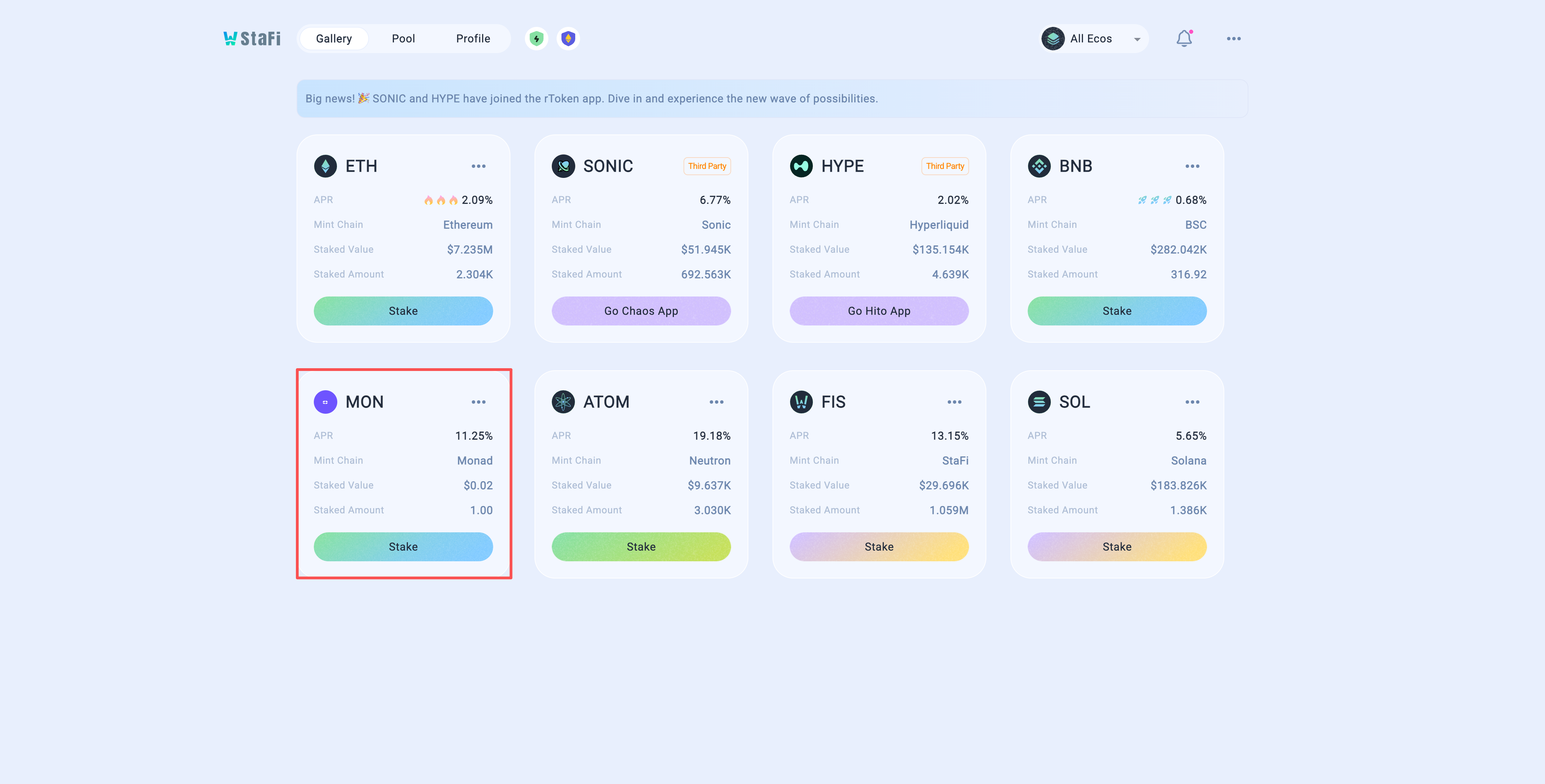
Visit the rToken App and click the “Stake” button.
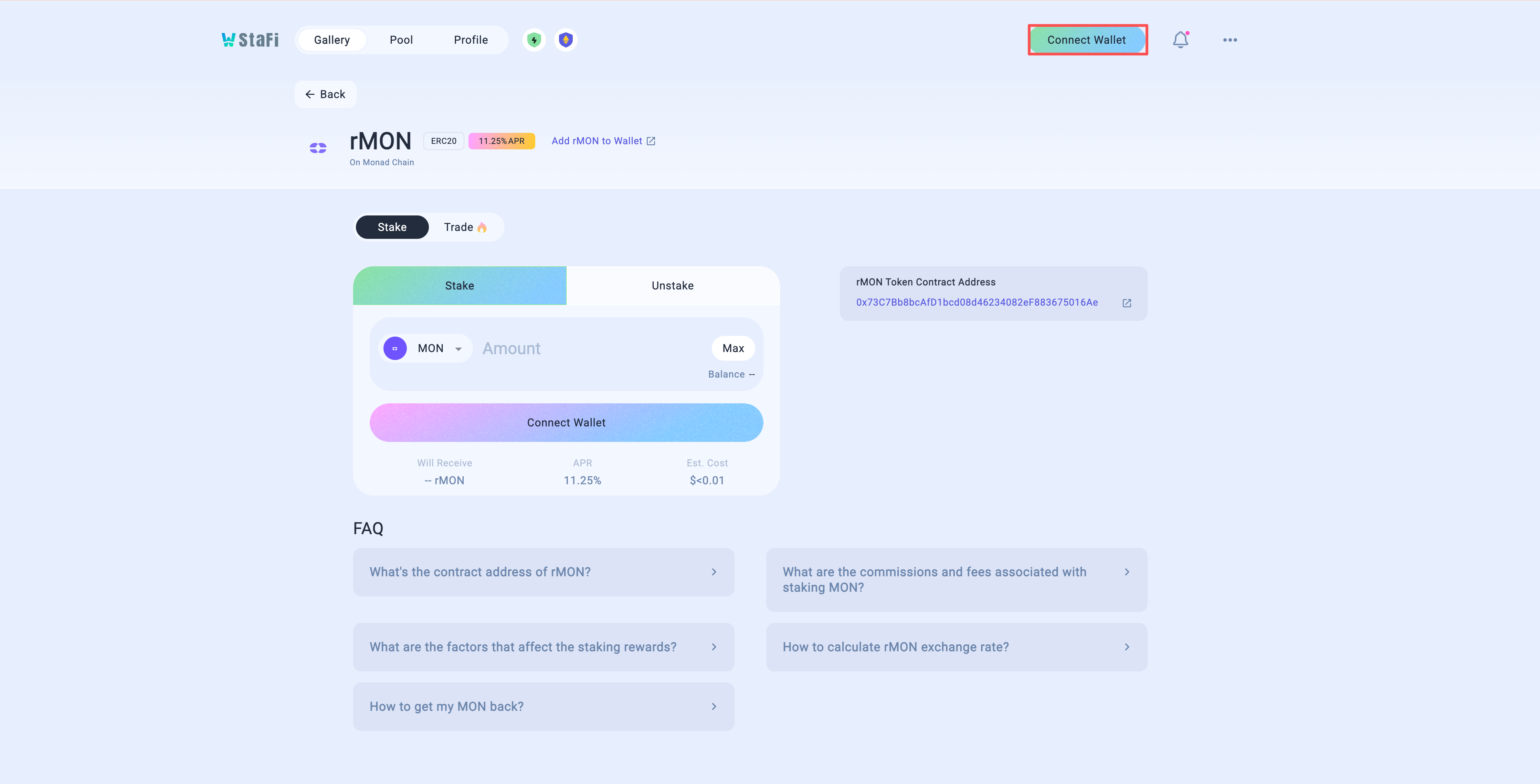
Connect Wallet
Click on the “Connect Wallet” button to connect your Metamask wallet.
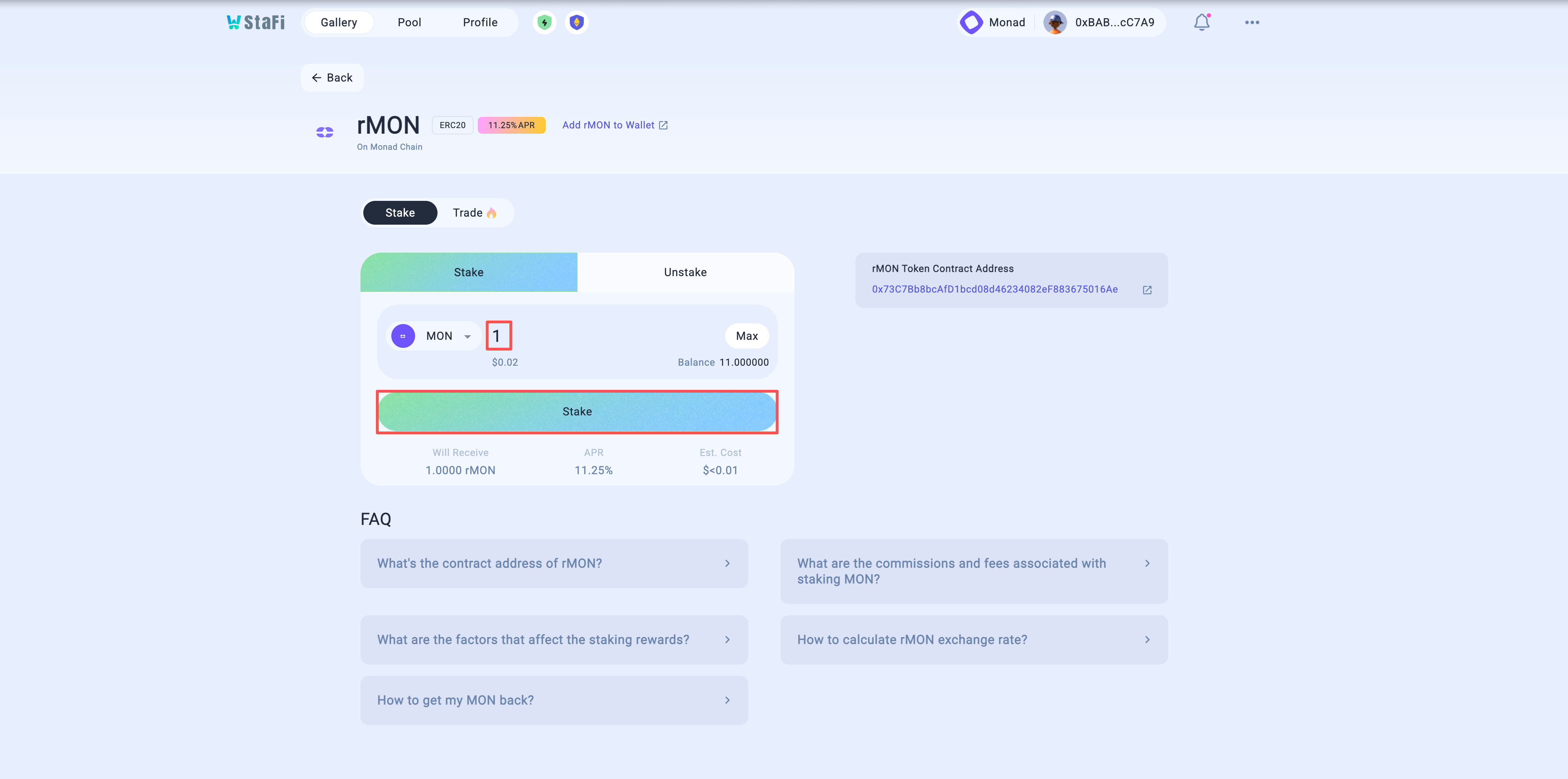
Input staking amount
Enter the amount of MON you would like to stake. Review the amount of rMON you will receive and the Annual Percentage Rate (APR) for staking. Click the “Stake” button to proceed.
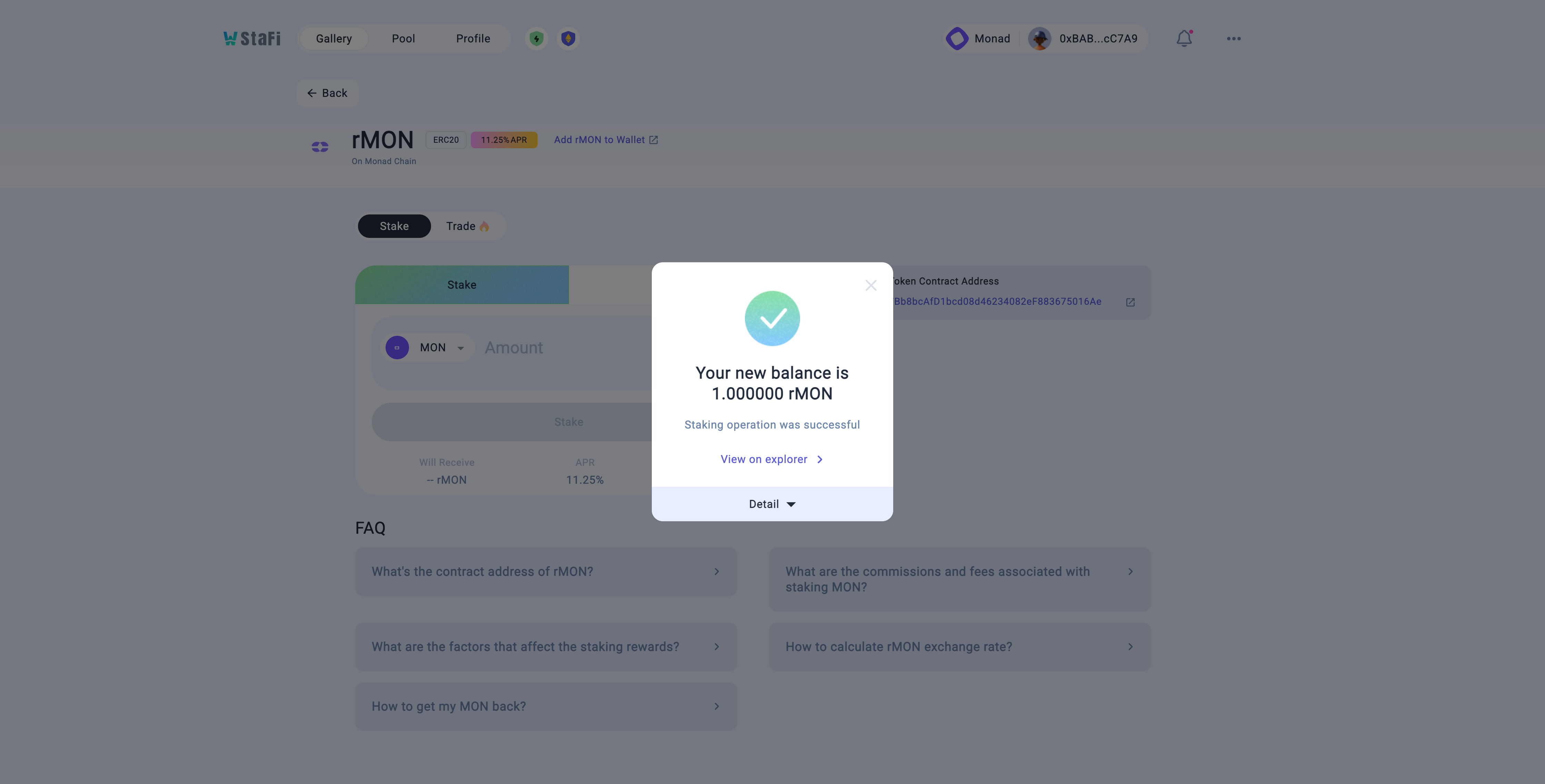
Confirm transaction and await for confirmations
Upon clicking “Stake”, you will be redirected to your Metamask wallet.
Confirm the transaction details, including gas fees. To proceed, click on the “Confirm” button to sign the transaction. Wait for the transaction to be confirmed and the staking operation to be completed successfully.
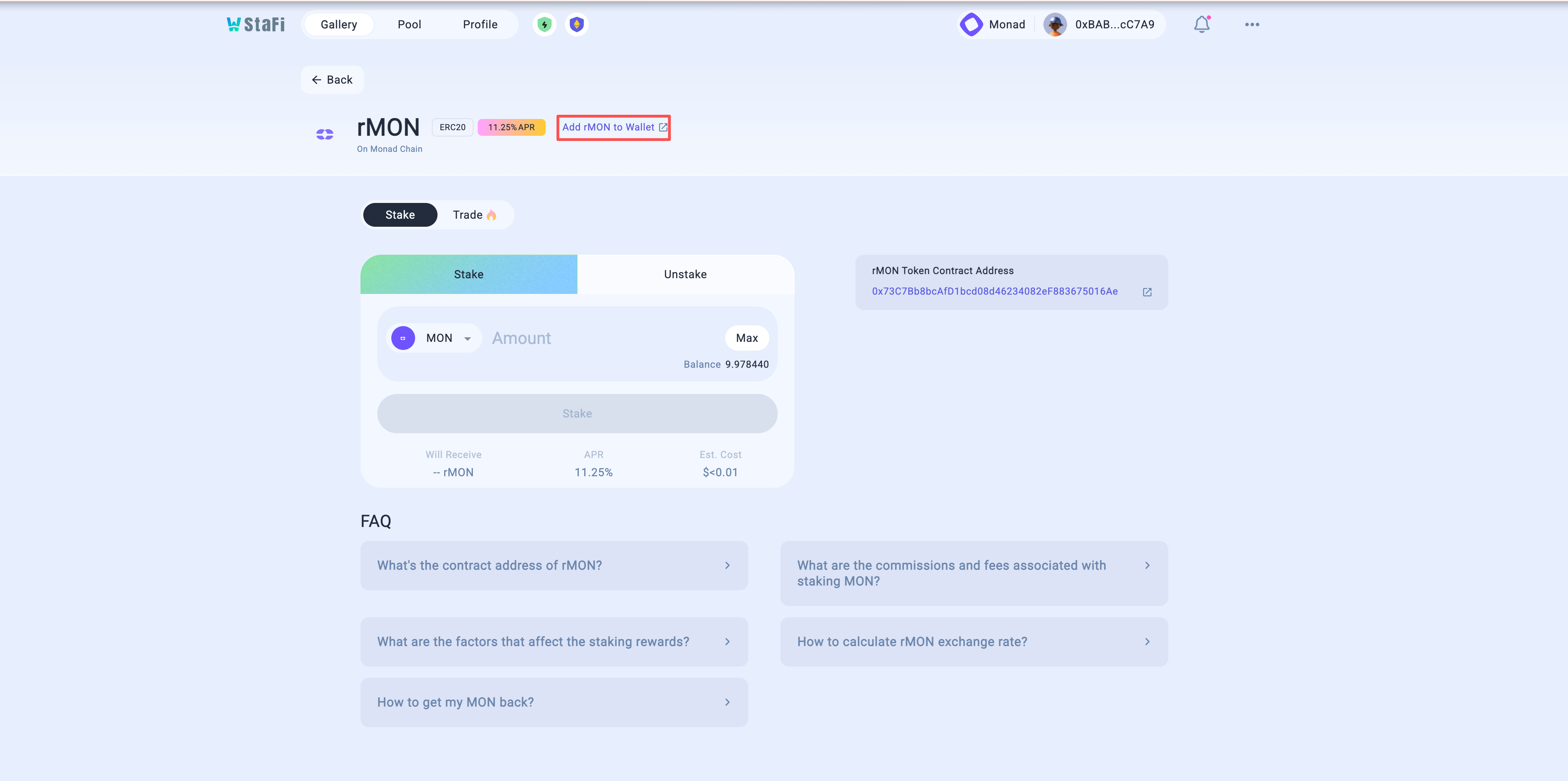
Add rMON to your wallet
Click on the “Add rMON to Wallet” button. A Metamask prompt will appear, select “Add token” to include rMON in your wallet.
Commission Fee
10% of MON staking rewards will be allocated to StaFi DAO.
Unstake rMON
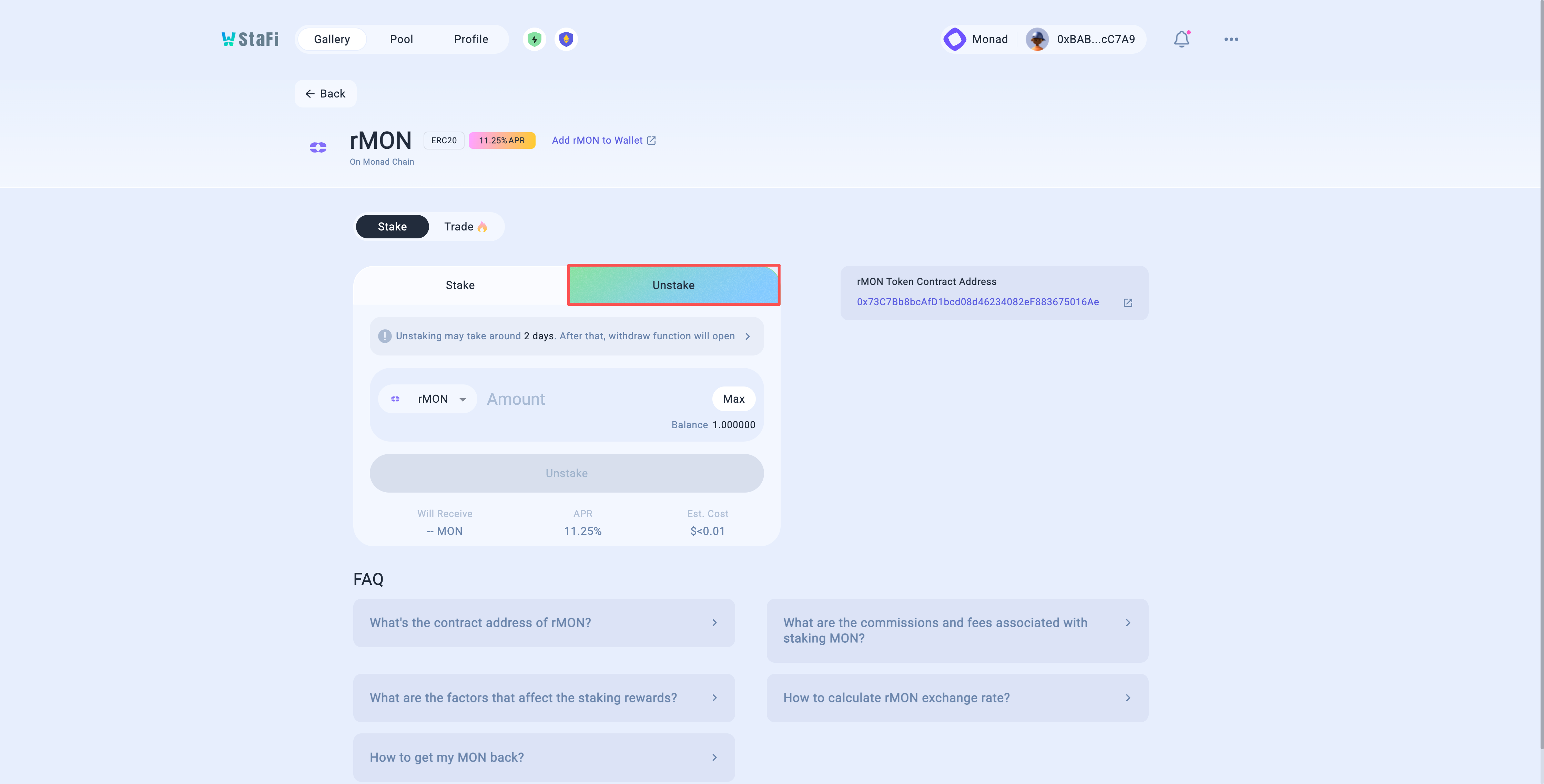
Visit MON Unstaking Page
Visit the MON unstaking page, and proceed by clicking on the “Unstake” tab.
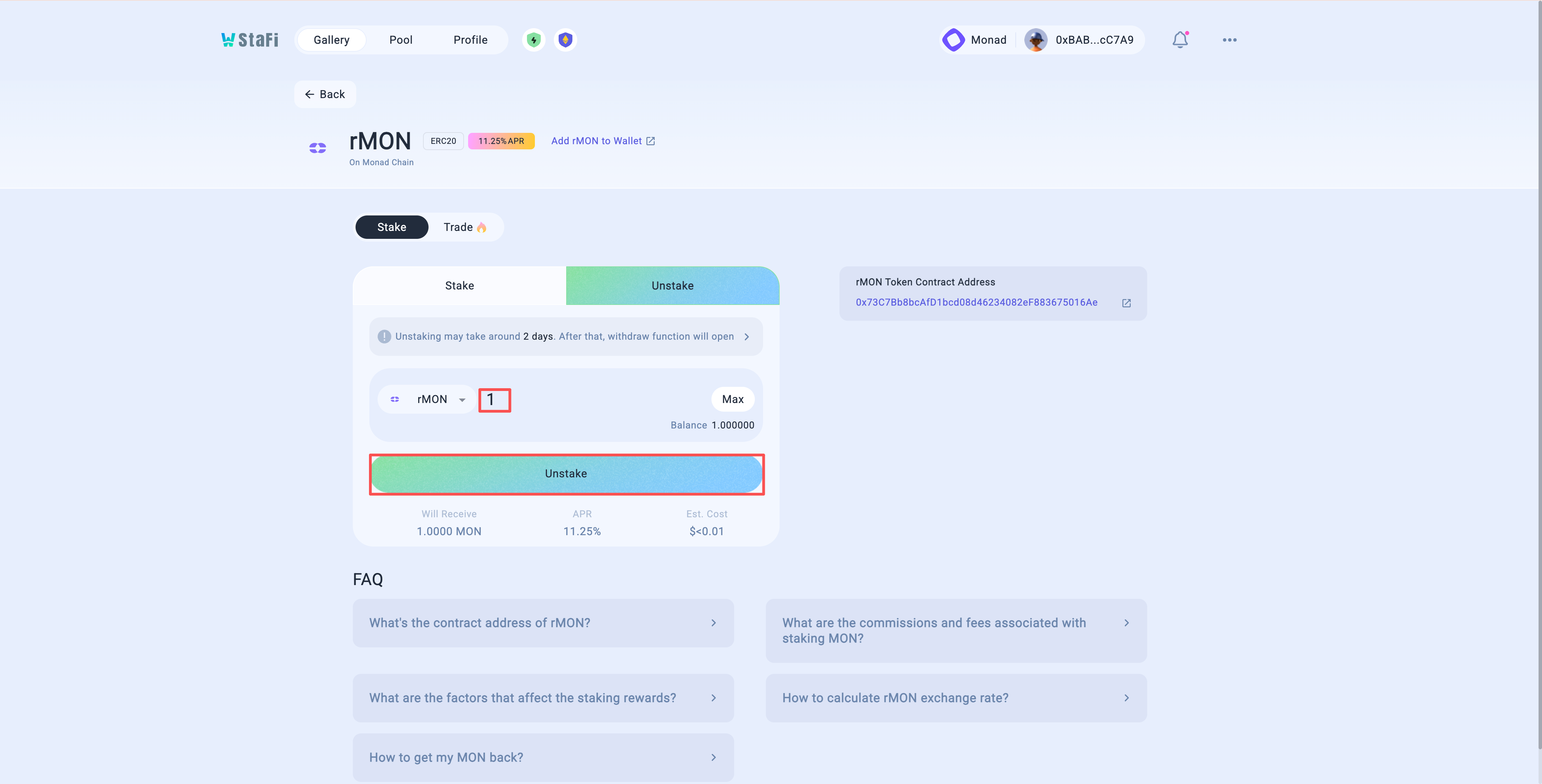
Input unstaking amount
Enter the desired amount of rMON you would like to unstake, and proceed by clicking on the “Unstake” button.
Confirm transaction and wait for confirmations
After clicking “Unstake,” you will be redirected to your Metamask wallet. Confirm the spending cap of MON and approve it.
Once confirmed, a second transaction pop-up for staking will appear. Confirm the transaction details, including gas fees. Click the “Confirm” button to sign the transaction.
Wait for the transaction to be confirmed and the unstaking process to be completed successfully.
Unbonding rMON takes 2 days.

Withdraw unstaked tokens
rMON will need to be manually withdrawn from the Withdraw Tab on the rMON Dashboard once the unbonding period has ended. Click on “Withdraw” button to proceed.
Trade rMON
Available soon.